Build the report around decisions
Use one row per employee, work date and exception type. Include branch, roster version, expected shift, observed punches, owner, due date and outcome. If one shift triggers two flags, retain both flags under the same shift reference so payroll receives one final adjustment.
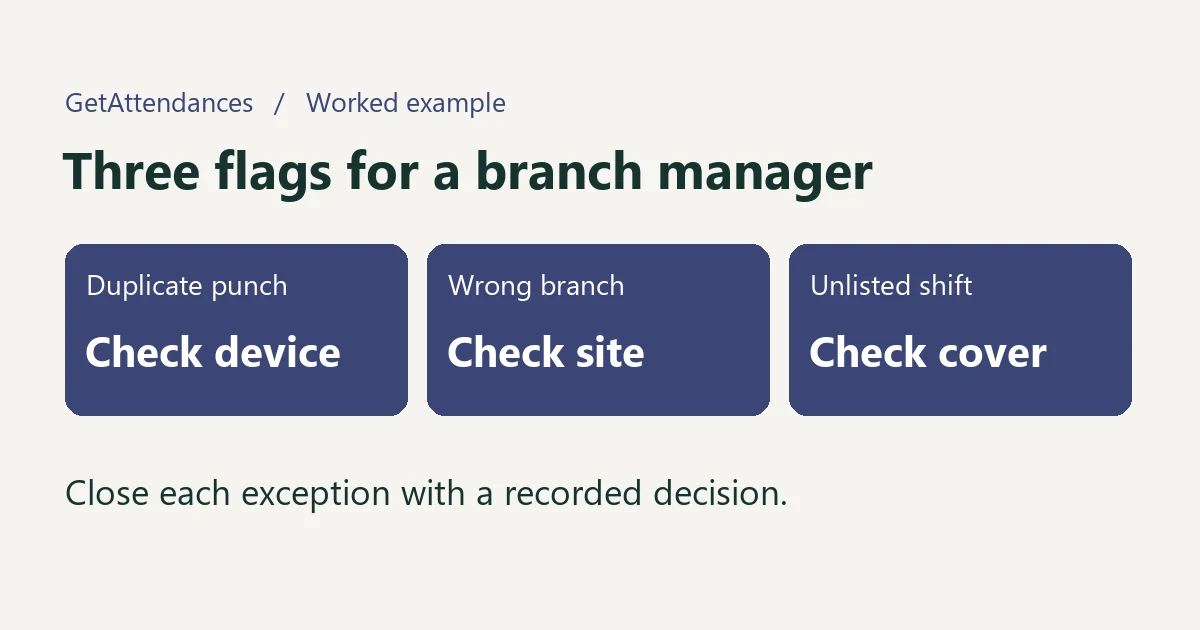
| Example shift | Flag | Manager action | Close when |
|---|---|---|---|
| A17, Monday | Two arrivals, one departure | Compare terminal timestamps and device IDs | Genuine events are matched and duplicate is identified |
| B04, Tuesday | Punch outside assigned branch | Check the temporary assignment | Branch supervisor confirms the location |
| C09, Friday | Worked shift missing from roster | Check the shift-cover request | Approved rota and recorded work reconcile |
Run a short daily review
Sort open items by payroll deadline and age. Give each row one accountable owner. A manager can clear a confirmed duplicate immediately while leaving a disputed shift open. Keep “investigating,” “approved adjustment” and “closed without adjustment” as separate outcomes.
Check the report itself
Count affected shifts as well as flags. Twelve flags on eight shifts does not mean twelve people missed work. At week end, compare unresolved shifts with the payroll hold list. Repeated flags from the same device may justify checking its setup before asking individual employees to correct records.
How should two UAE branches share an exception?
Suppose a technician assigned to the Dubai branch clocks in at an Abu Dhabi site after a temporary transfer. Keep the home branch, actual worksite and shift date in separate columns. Ask the receiving supervisor to confirm the assignment, then let the home branch close the same exception reference. Two branches can then review one shift without sending payroll two adjustments.