Compare the two setups
| Test | Shared kiosk | Personal mobile |
|---|---|---|
| Morning rush | Measure queue length at the busiest entrance | Measure how many employees can finish without assistance |
| Access | Check mounting height, lighting and a fallback station | Check phone availability, permissions and a fallback for staff without a suitable device |
| Loss of connectivity | Observe the record shown before and after reconnection | Repeat at a field location with poor reception |
| Employee moves branch | Check which site the terminal assigns | Check how the employee selects or confirms the site |
Work through a branch example
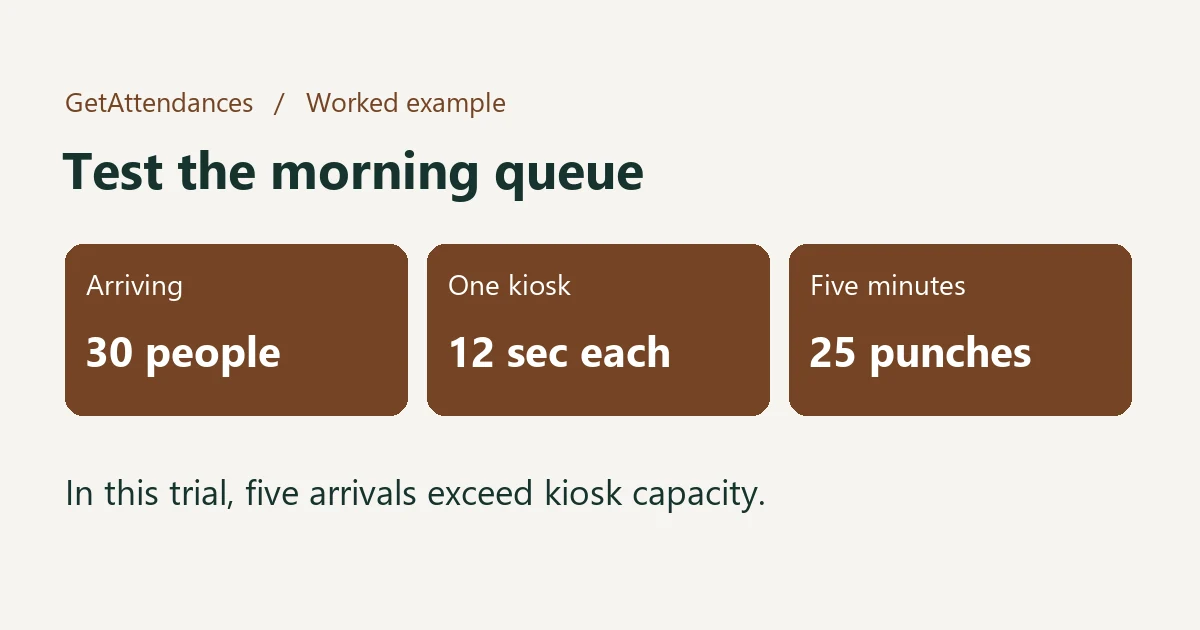
Suppose 30 people arrive in five minutes. One kiosk taking 12 seconds per person can accept 25 punches in that window, even before retries. Time the real interaction, then test a second station or a staggered arrival. For the field team, send two volunteers to a normal work location and check whether each verified punch reaches the correct employee and branch.
What to ask during a demo
Ask the vendor to show an accepted punch, a rejected attempt and the record a manager sees after a correction. Confirm supported devices, employee alternatives and what happens when camera or location permission is unavailable. Record which cases were demonstrated on your intended configuration before signing off the pilot.
Run the UAE pilot at the actual shift start
For a Dubai warehouse with a shared staff entrance, run the five-minute queue test where the kiosk would be mounted. For a technician starting at a client site in Sharjah, test the mobile option at the permitted check-in point. Record how long a successful punch takes and what happens if the client restricts phone or camera use. Ask the vendor to demonstrate the fallback before choosing a method.