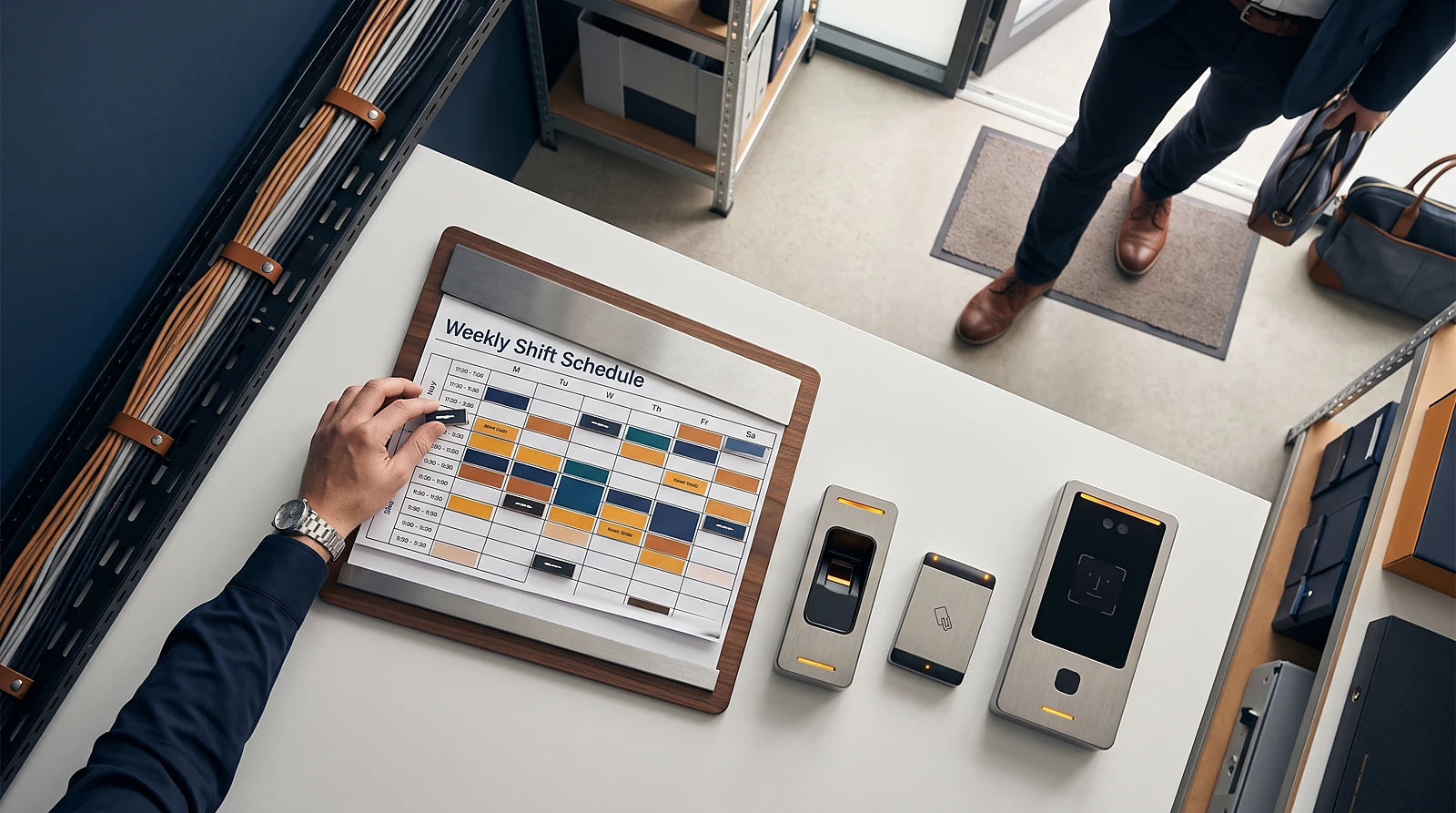
What is an attendance policy? An attendance policy is a set of workplace rules covering employee presence, work schedules, lateness, absences, leave, attendance tracking and consequences for unexcused absences. It gives employees and managers a shared process for coordinating staffing and recording attendance consistently.
This guide focuses on employee attendance, not school attendance, course grading or student syllabus rules. It explains how HR, operations, scheduling and payroll administrators can turn written attendance expectations into daily workflows for teams working across branches, job sites or mobile locations.
What Is an Attendance Policy?
An attendance policy defines when employees are expected to work, how they should report lateness or absence, how authorized leave is handled and how attendance records are reviewed. Clear rules help managers coordinate staffing and give employees practical instructions for on-time arrival, sick-day reporting and planned time off.
Attendance policies are commonly developed by HR and included in the employee handbook. The policy should use plain language and explain the difference between an authorized absence, an unplanned absence and an unexcused absence.
- Authorized absence: an absence covered by approved leave or another approved arrangement. The decision is to record it as authorized rather than as an attendance violation. For example, an approved time-off request should be linked to the employee’s schedule.
- Unplanned absence: an absence that was not arranged in advance, such as a sudden illness. The employee should follow the notification process as soon as possible, after which the organization can review how the event should be recorded.
- Unexcused absence: an absence that is not approved or does not follow the required notification process. The decision is whether the event requires follow-up under the policy’s review or disciplinary steps.
A useful employee attendance policy connects five areas:
- Presence: when employees are expected to be available and working.
- Schedules: assigned hours, shifts, flexible arrangements and location expectations.
- Leave: how employees request planned time off and report sickness or emergencies.
- Tracking: how clock-ins, clock-outs, shift records and absences are recorded.
- Consequences: how repeated or unexcused attendance issues are reviewed and addressed.
The exact rules depend on the organization and its working arrangements. A clear policy helps managers and employees coordinate attendance and staffing across fixed schedules, flexible work and multiple locations.
What Should an Employee Attendance Policy Include?
An employee attendance policy should state work hours, scheduling expectations, punctuality rules, reporting procedures, leave requests, tracking methods and disciplinary steps. Employees should be able to find the answer to what they should do if they will be late or absent without relying on informal instructions.
Work hours and scheduling
Describe normal work hours, assigned shifts, flexible scheduling and any rules for changing a shift. Explain who approves schedule changes and how employees can see their current schedule, especially when managers coordinate several locations.
Punctuality and late arrivals
Define what counts as late, whether a grace period applies and how repeated lateness is reviewed. A tardiness policy is the part of an attendance policy that sets these expectations and describes any escalating actions.
Absence and sick-day reporting
Explain how employees report sickness, emergencies and unexpected absences. An absence-notification policy may require advance notice for planned absences and notice as soon as possible when an absence cannot be predicted.
Planned leave and unexcused absences
Set out how employees request time off, who approves requests and where approved leave is recorded. Define an unexcused absence in operational terms, while directing jurisdiction-specific employment or leave questions to qualified local advice.
Tracking, review and discipline
Name the attendance-tracking method, such as scheduling software, a clock-in system or attendance records. State who can review records, how managers correct errors and how attendance information is retained. Apply disciplinary steps using the same documented criteria for comparable events, and record the reason, review and outcome without assuming jurisdiction-specific legal requirements.
Document these sections in the employee handbook or formal policy documentation. A separate manager guide can explain how supervisors apply the same rules consistently across shifts and locations.
Which Type of Attendance Policy Fits Your Team?
The right attendance policy type depends on whether the organization needs to emphasize punctuality, absence notification, repeated attendance patterns or a consistent approach to attendance events. Each model should support a clear operational decision that managers can apply consistently.
| Policy type | Rule it emphasizes | Implementation consideration |
|---|---|---|
| Point system | Points accumulate for lateness or absence. | Define the points for each event and the thresholds that determine when an attendance action or review is required. |
| Rolling attendance system | Attendance is reviewed over a specific period. | Set the review window and explain how older attendance events stop affecting the total, supporting decisions about recent patterns. |
| Tardiness policy | Late arrival, grace periods and repeated lateness. | Connect scheduled start times with reliable clock-in records so managers can decide when a late arrival meets the policy threshold. |
| Absence-notification policy | When and how employees report planned or unexpected absence. | Provide a clear reporting channel and an owner for follow-up so managers can decide whether the notification process was followed. |
| No-call/no-show policy | Failure to report an absence or contact the organization. | Define the event carefully, identify the follow-up decision it triggers and keep notification records with attendance records. |
| No-fault approach | Attendance events are recorded without assigning fault to each event. | Explain how records are reviewed for attendance patterns and how authorized leave is separated from other events before a decision is made. |
A point system can help organizations apply defined attendance levels, but it requires careful configuration. A rolling system can allow flexibility for occasional mistakes by reviewing attendance over a stated period rather than treating every event as permanent.
A no-call/no-show approach is useful when the key operational question is whether an employee reported an absence at all. A no-fault approach instead focuses the review on recorded attendance patterns rather than assigning fault to every individual event. Neither approach removes the need to separate approved leave, reported absences and unexcused absences.
No single model fits every operation. A team with fixed shifts may prioritize punctuality, while a mobile workforce may need stronger rules for location, shift assignment and absence notification.
How Do You Turn Policy Rules Into Daily Attendance Workflows?
Turn each written rule into a workflow with an assigned action, record and reviewer. For example, a late-arrival rule should connect the scheduled start time, employee notification, clock-in event, manager review and attendance report.
Map the policy to the workday
- Shift schedules: assign the employee, date, start time, end time and work location.
- Clock-ins: record when the employee starts work through the approved device or attendance method.
- Late notifications: capture the employee’s notice and link it to the relevant shift.
- Leave requests: route planned time off for approval and reflect approved leave in the attendance record.
- Absence follow-up: flag missing clock-ins or reported absences for manager action.
- Reports: show attendance events by employee, shift, location or date range.
Location-aware attendance workflows can help organizations distinguish attendance at a branch, job site or other approved location. GPS workflows may support teams working on the move, while fixed-site teams may prefer a device installed at a branch entrance.
Face-punch workflows can provide another clock-in option for organizations evaluating face-based attendance. Review the practical fit of the device, employee workflow and internal policy before selecting an approach; the face-recognition attendance system guide provides more context for that decision.
A concrete handoff sequence keeps attendance records useful without treating them as payroll processing. An approved schedule or leave record establishes the expected work or authorized time away; clock-ins and notifications create the attendance record; a manager reviews and corrects exceptions; the reviewed attendance record becomes an input for the organization’s payroll workflow. GetAttendances is not full payroll software, so payroll processing remains outside this attendance workflow.
Manual spreadsheets can work for a small, stable schedule, but they become harder to coordinate as employees, shifts and locations increase. If your team is assessing that starting point, review how to track employee attendance in Excel before deciding whether a more connected workflow is appropriate.
What Should Multi-Location Teams Decide Before Choosing Attendance Software?
Multi-location teams should decide how the system will represent locations, working patterns, devices, manager access, configurable rules and reports. The setup should match how employees move between branches, job sites and mobile work areas.
Use this requirements checklist during vendor conversations:
- Can administrators create separate branches, sites or approved attendance locations?
- Can employees move between locations without creating duplicate or unclear records?
- Can managers see the teams, shifts and attendance events they are responsible for?
- Can the system support fixed devices, mobile workflows, GPS or face-punch attendance where appropriate?
- Can administrators configure late-arrival, absence, leave and approval rules?
- Can schedules and attendance reports be filtered by employee, shift, date or location?
- Can approved schedules, leave and reviewed attendance records be exported or prepared for the organization’s payroll workflow?
- Can the organization correct a missed or incorrect clock-in while preserving a clear review process?
Teams working across locations should also confirm how schedules and clock-in times are presented to employees and managers. Employees moving between branches or working away from a fixed site need a clear way to identify the applicable shift, location and clock-in method.
Ask for a setup discussion based on your people, locations and devices rather than evaluating features in isolation. A vendor conversation should show how configurable policies, visibility, GPS workflows, face-punch workflows, shifts, leave and attendance reports fit the written policy.
How Can You Implement and Maintain the Policy?
Implement an attendance policy in a controlled sequence: document the rules, communicate them, configure the workflows, test common scenarios and train managers. Maintenance then depends on reviewing attendance patterns and updating the setup when working arrangements change.
- Define the rules: agree on schedules, punctuality, notification, leave, absence categories and review steps.
- Document the policy: publish the employee-facing rules in the handbook or policy documentation.
- Map people and locations: record teams, branches, job sites, devices and manager responsibilities.
- Configure workflows: set schedules, clock-in methods, leave processes, attendance reports and policy rules.
- Test real scenarios: check a late arrival, missed clock-in, approved leave, unexpected absence and location change.
- Train managers: show supervisors how to review records, correct issues and apply the policy consistently.
- Review and refine: use attendance reports to identify unclear rules, repeated manual work or workflow gaps.
Testing should include employees who work at more than one branch and employees who are away from a fixed site. It should also confirm that approved leave does not appear as an unexplained absence and that managers can find the records needed for review.
Attendance reports are useful only when the underlying policy and clock-in process are configured correctly. When a report does not reflect the expected rule, use the attendance report troubleshooting guide to investigate common causes before changing the policy.
When Is Attendance Software Worth Considering?
Attendance software is worth considering when spreadsheets, messages or manual records make it difficult to see attendance across people, shifts or locations. The decision is usually about reducing record-keeping effort and improving visibility, not replacing the organization’s attendance policy.
Common signals include:
- Managers cannot see current attendance without collecting updates from several locations.
- Employees use different methods to report lateness, sickness or planned leave.
- Shift changes create uncertainty about the expected start time or work location.
- Attendance records require repeated review before they can be used in the organization’s payroll workflow.
- Administrators spend time reconciling missed clock-ins, leave and absence messages.
- Leaders need reports by employee, shift, date or location but cannot produce them consistently.
Before choosing a platform, ask whether it provides the real-time visibility, attendance reports, leave workflows, GPS options and face-punch workflows your policy requires. Also ask how the provider will guide setup for your people, locations and devices.
To discuss the right setup for your working rules, book a free demo or talk to the GetAttendances team.
Frequently asked questions
What is a standard employee attendance policy?
A standard employee attendance policy explains expected work hours, schedules, punctuality, absence reporting, leave requests, attendance tracking and consequences for unexcused absences. HR commonly includes the policy in the employee handbook.
What should an attendance policy include?
It should include work hours, flexible scheduling rules, late-arrival procedures, sick-day and absence reporting, planned time-off requests, tracking methods and disciplinary or review steps. It should also identify who approves schedule and leave changes.
What is the difference between an authorized, unplanned and unexcused absence?
An authorized absence is covered by approved leave or another approved arrangement. An unplanned absence was not arranged in advance, such as a sudden illness, but should still be reported through the required process. An unexcused absence is not approved or does not follow the required notification process.
What are the most common types of attendance policy?
Common approaches include point systems, rolling attendance systems, tardiness policies, absence-notification policies, no-call/no-show policies and no-fault approaches. Each emphasizes a different operational decision, such as punctuality, notification, follow-up after a missed notice or attendance patterns over time.
How can attendance software support an attendance policy?
Attendance software can connect schedules, clock-ins, leave requests, location workflows and attendance reports. A reviewed attendance record can then be prepared for the organization’s payroll workflow, without replacing full payroll processing.
How should a multi-location business track late arrivals and absences?
Start with schedules that identify the employee, shift and location, then record clock-ins and late or absence notifications against that shift. Managers should be able to review records by location and correct exceptions through a consistent, documented process.