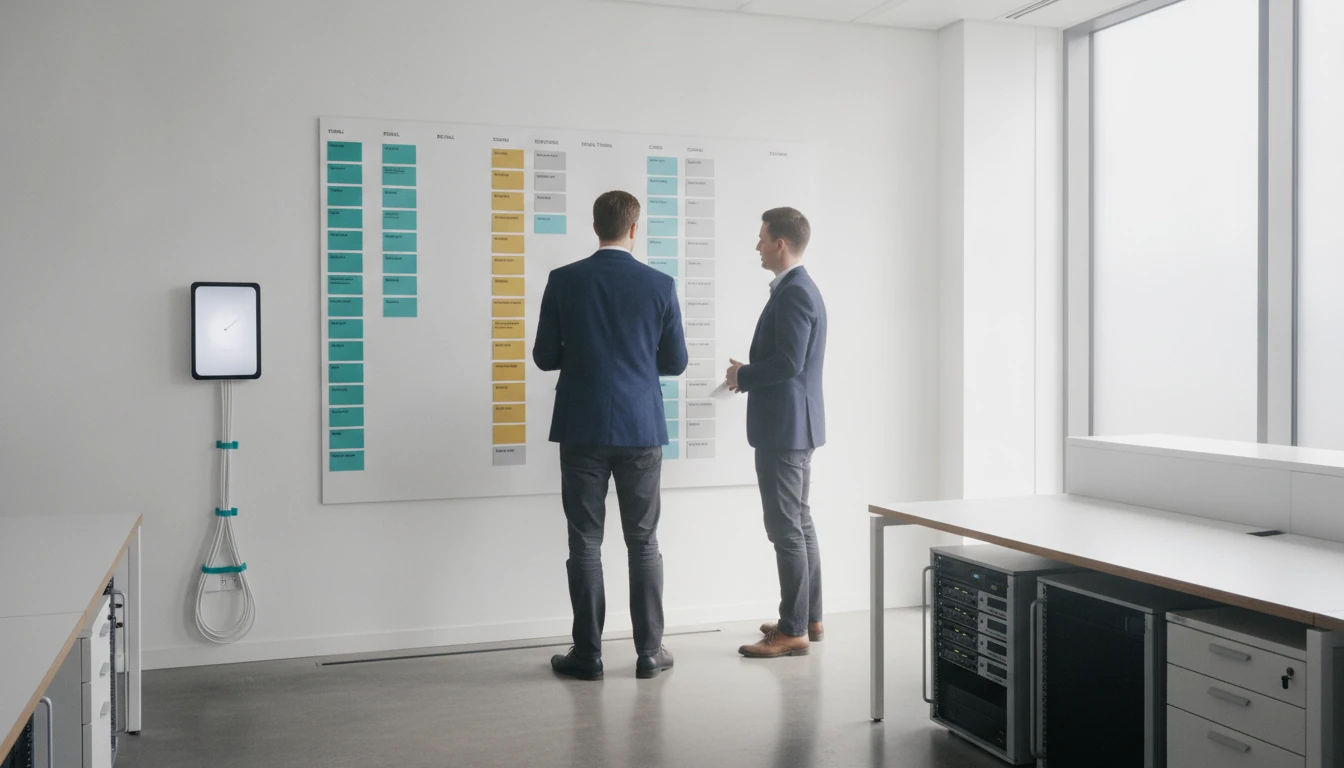
What is employee scheduling software? It is a tool for planning who works, when they work, where they work, and what coverage is needed. It helps managers assign work around working hours, skills, availability, employee preferences and business requirements, while attendance tracking records what actually happened.
The capabilities described in this article are general scheduling capabilities and are not a statement that every product, including GetAttendances, provides them. The distinction matters when teams compare scheduling, attendance, leave and payroll-record workflows.
What Is Employee Scheduling Software?
Employee scheduling software helps managers create and communicate work schedules by matching people with shifts, locations, roles and coverage requirements. It organizes scheduling information in a defined workflow, but managers still review decisions and handle exceptions.
Employee scheduling is the process of assigning workers to specific tasks or projects while considering working hours, skills, availability and company requirements. Scheduling can be viewed through three practical dimensions:
- Quantity: how many people are needed for a shift, task or location.
- Quality: which skills, qualifications or roles are required.
- Timing: when employees are available and when work must be covered.
Employee preferences can also affect the plan. A scheduling product may allow employees to submit availability or time-off requests, while a manager checks whether the request fits coverage, working-hour rules and the needs of other teams.
The objective is not simply to fill a calendar. A workable schedule aims to reduce avoidable overstaffing and understaffing, make responsibilities clear and give employees timely information about their shifts.
What Does Employee Scheduling Software Do?
Software can support shift assignments, availability, time-off requests, shift changes and schedule communication. It may give managers and employees a shared workflow for reviewing planned work and approved changes, but the specific capabilities vary by product.
Paper-based planning can involve a board, printed rota or messages. A spreadsheet provides rows and columns for dates, times, people and locations, but manual updates can create multiple versions. A separate guide to tracking employee attendance in Excel helps compare spreadsheet-based record-keeping with a more connected scheduling and attendance workflow.
Depending on the product, scheduling software may flag overlapping assignments, missing coverage or possible working-hour issues. These alerts support review; they do not remove the need for a manager to understand the team’s work or approve exceptions.
Planning coverage instead of filling names
Good scheduling starts with the work requirement. Managers may review anticipated workload, peak hours, foot traffic or sales data before deciding how many people and which skills are needed.
Scheduling software may support workload or peak-hour planning, but it cannot automatically produce accurate staffing forecasts without reliable business data. Managers still need to assess whether the inputs reflect actual demand.
For example, a business may need additional coverage during peak hours or different skills at different locations. The schedule should distinguish between the location, role and shift before assigning an employee.
Software may provide a defined channel for changes. An employee submits a time-off or shift-change request, the responsible manager reviews it, and the approved result becomes part of the working schedule. Clear policies are still needed for notice periods, approvals and emergency absences.
Employee Scheduling vs Attendance Tracking
Employee scheduling answers who should work, when and where. Attendance tracking records who actually clocked in, when they arrived, where the record was made, and whether an absence or leave event occurred. Organizations may need both workflows connected to understand the difference between the plan and what happened.
Scheduling is a forward-looking plan. Attendance is an operational record created as work takes place. A scheduled shift does not prove that an employee arrived, and an attendance record does not by itself show whether the correct coverage had been planned.
| Workflow | Purpose | Main inputs | Manager output | Employee interaction | Records produced |
|---|---|---|---|---|---|
| Scheduling | Plan who should work, when, where and in which role | Coverage needs, working hours, skills, availability, preferences and leave | Planned schedule for review and communication | Views planned work and may submit requests | Schedules, requests, approvals and changes |
| Attendance tracking | Record who attended and which attendance events occurred | Clock-ins, clock-outs, lateness, absences, leave and location data | Attendance records, reports and exceptions | Uses an approved attendance method | Attendance records that may support payroll-record workflows |
| Connected workflow | Compare planned work with actual attendance | Schedule, attendance and leave records | Review of differences and exceptions | Receives schedule information and responds to attendance or leave processes | Linked information, subject to the systems and connections used |
Organizations may need both workflows connected to prepare dependable attendance information for payroll records. The exact connection depends on the systems, devices and export or integration options used.
Common Employee Scheduling Methods and Schedule Types
Common scheduling methods include manual scheduling, spreadsheets, scheduling software and workforce management systems. Manual scheduling is usually the easiest to start with. Pressure for a dedicated system grows when changes, locations, skills or approval steps create repeated administration. No single method is best for every organization.
Four scheduling methods compared
| Method | Change handling | Visibility | Typical situation |
|---|---|---|---|
| Manual scheduling | Paper, messages or direct communication; history can be difficult to maintain | Depends on how the rota is shared | A small, stable team with limited changes |
| Spreadsheets | Manual updates and copied files can make the latest version unclear | Depends on file access, sharing and version control | A team needing structured planning with relatively stable schedules |
| Scheduling software | May provide request, approval and communication workflows; capabilities vary | Can provide a shared view of planned shifts when configured and used | A team facing recurring changes, coverage questions or approval steps |
| Workforce management system | May support broader workforce processes; the relevant processes must be verified | May provide a broader view of workforce information | An organization evaluating connected workforce processes |
The pressure for a dedicated system often appears when one team works across multiple locations, employees have changing availability, roles require different qualifications, or managers need a reliable record of who approved a change.
Five schedule types to recognize
Schedule types and working-hour rules vary by organization and jurisdiction. Working-hour, rest-break, overtime, leave and recordkeeping requirements differ by country and jurisdiction, so this article is not legal advice. Scheduling software may support compliance review or flag potential issues, but it does not determine whether an organization is legally compliant.
- Fixed schedule: Employees work the same or substantially similar days and hours each cycle. This suits predictable operating hours and staffing needs.
- Flexible schedule: Start times, end times or working patterns vary within agreed rules. Availability and coverage need closer coordination.
- Rotating schedule: Employees move through different shifts or time periods according to a repeating pattern. Upcoming changes should be clear.
- Split schedule: Work is divided into separate periods in the same day, with a gap between them. Managers should confirm that the arrangement reflects organizational policies.
- Compressed schedule: Agreed working hours are arranged across fewer or longer working days. Review maximum hours, rest breaks and overtime requirements before adopting it.
How to Evaluate Employee Scheduling Software
Evaluate scheduling software against the team’s real workflow: workload, peak hours, skills, availability, preferences, leave, shift changes, locations and attendance records. A feature list is less useful than testing a normal week and several exceptions.
At this stage, confirm which scheduling, forecasting, attendance, integration, device and payroll-record capabilities GetAttendances provides. Do not infer them from a general description of scheduling software.
Core scheduling questions
- Can managers define locations, roles, shift rules and required skills?
- Can employees submit availability, preferences and time-off requests?
- Can a manager approve, reject or comment on a request?
- Does the system identify overlapping shifts, missing coverage or possible working-hour conflicts?
- Can employees and managers see the current schedule?
- Is there schedule history showing what changed and when?
- Can managers communicate a shift change through a defined process?
- Which reports are available for schedules, requests, exceptions and staffing coverage?
Attendance and multi-location questions
If the business also needs attendance visibility, ask how the scheduling workflow connects to clock-ins, late arrivals, absences, leave and attendance reports. Confirm whether the connection is native, based on an export or dependent on another tool.
- Can the system connect scheduled shifts with attendance records?
- How are leave approvals reflected in scheduling and attendance workflows?
- Can managers separate branches, worksites or mobile teams?
- Which devices or methods are supported for attendance, including GPS or face-punch workflows where relevant?
- Can attendance records be exported or connected to payroll-record workflows?
- Are access rights different for employees, location managers, HR and administrators?
- What happens when an employee is late, absent or moved to another location?
A Practical Setup Path for Teams and Managers
Document the organization’s people, locations, rules and records before comparing products. A guided demonstration should reproduce real scheduling and attendance scenarios, not just display a list of features.
1. Document the operating rules
List each location, role, shift pattern, required qualification and expected coverage level. Record availability rules, employee preferences, time-off rules, attendance policies, approval responsibilities and the reports needed by HR, operations or payroll administrators.
For teams working across locations, define how location changes are recorded and who can approve them. For teams working on the move, clarify how attendance is captured and which records managers need to review later.
2. Test a representative week
Ask for a demonstration using a normal schedule with at least two roles, one location and the relevant approval steps. Then test the exceptions that create administrative work:
- Create a typical shift with the required role, location and working hours.
- Record a late arrival and check how the attendance exception appears.
- Record an absence and review the manager’s follow-up workflow.
- Submit and approve a leave request that affects planned coverage.
- Request a shift change and confirm the updated schedule and history.
- Move an employee between locations and check access, attendance and reporting.
- Review whether the resulting records can support payroll workflows.
Also ask how the system handles rest breaks, maximum working hours and overtime review. Requirements differ by organization and jurisdiction, so treat alerts as administrative support rather than legal advice.
3. Compare requirements with a guided demo
Bring your locations, roles, shift rules, availability patterns, attendance methods, leave rules, reporting needs and exception scenarios to the demo. Include examples of a late arrival, absence, leave request, shift change and multi-location assignment.
Then compare the team’s documented requirements with a guided GetAttendances demonstration rather than choosing from a feature list alone. Verify which employee scheduling capabilities are available and how any scheduling workflow connects with attendance, leave, location, reporting and payroll-record workflows.
Frequently asked questions
What is employee scheduling software?
Employee scheduling software is a tool for assigning employees to shifts, tasks, locations and working hours. It may also organize availability, time-off requests, shift changes and schedule communication, but managers still review coverage and exceptions.
What is the difference between employee scheduling and attendance tracking?
Scheduling records who is expected to work, when and where. Attendance tracking records what happened, such as a clock-in time, late arrival, absence, leave event or location-based attendance record.
Is a spreadsheet enough for employee scheduling?
A spreadsheet may be enough for a small team with stable hours and few changes. A dedicated system becomes more useful when multiple locations, changing availability, approval workflows, shift history or connected attendance records create repeated manual work.
What are the main types of employee schedules?
Common types include fixed, flexible, rotating, split and compressed schedules. The suitable option depends on coverage needs, employee availability, working rules, rest requirements and the nature of the work.
What should a business ask before buying employee scheduling software?
Ask whether the product handles locations, roles, skills, availability, leave, shift changes, approvals, alerts, schedule history and reports. If attendance is also required, ask about clock-ins, GPS or face-punch workflows, supported devices and payroll-record exports or connections. These are evaluation questions, not confirmed GetAttendances features.